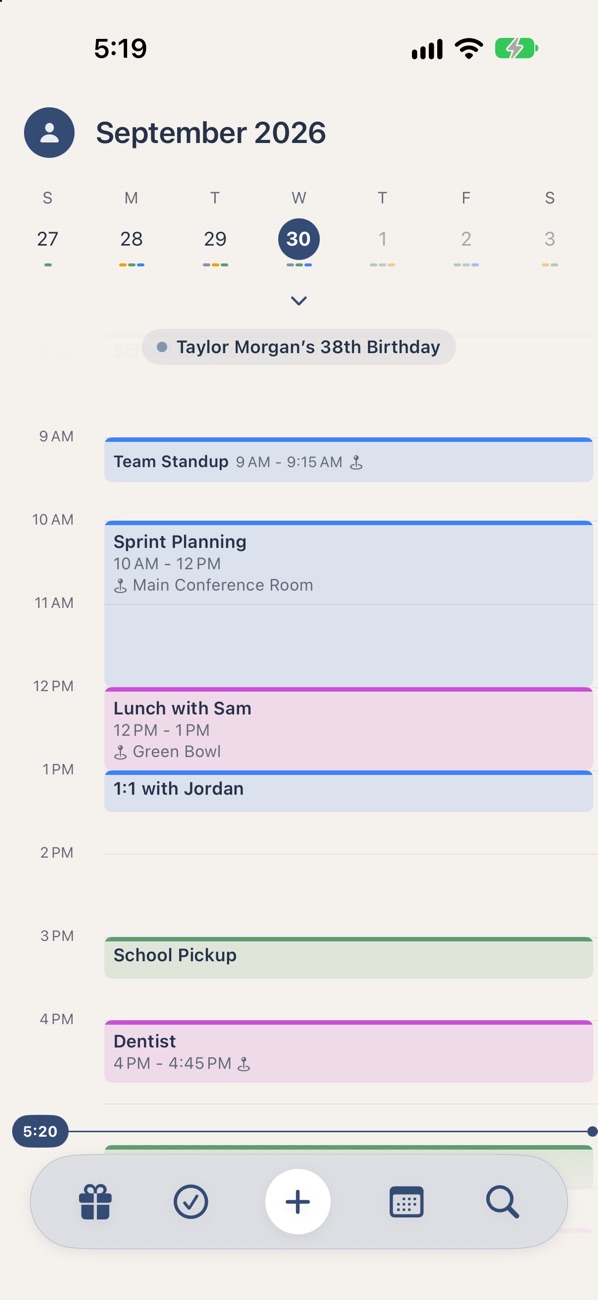
Zoom out without losing your place.
Pull the calendar down to go from today’s week to the whole month, then to every event in it. The timeline stays right where you left it.
Week
The week across the top, today’s timeline below.
Month
Every day of the month, with a mark for each calendar.
Month + Events
The month with event titles written into each day.
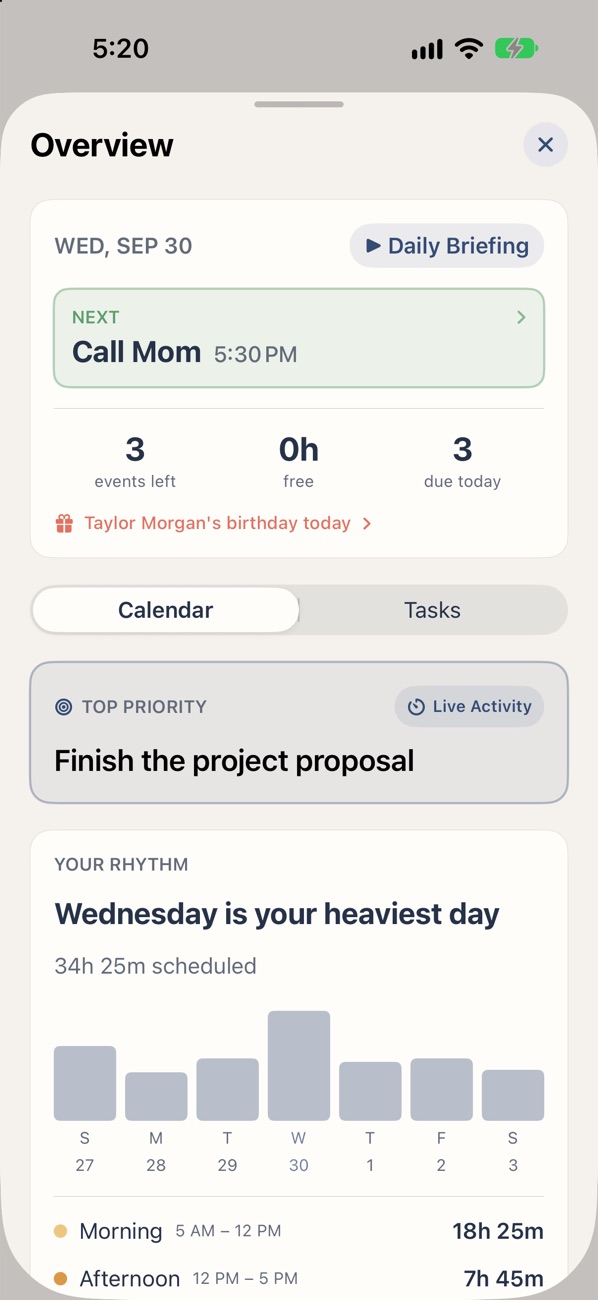
Know your day before coffee.
What’s next, how much free time you have, what’s due and whose birthday it is, read aloud in a natural voice. It’s written on your iPhone and never sent anywhere.
- One Top Priority for the day, front and center
- See your rhythm: which days and times fill up
- A quick briefing or your full agenda
“Hey Siri, what’s my day in Overview+?”
Your Top Priority, on your Lock Screen.
Pick the one thing that matters today and start a focus session. Overview+ keeps it on your Lock Screen and in the Dynamic Island, with a timer counting down, so it’s the first thing you see every time you pick up your phone.
- A focus timer for 15 minutes, 30 minutes, an hour, a custom time or until it’s done
- Mark it done, add time or end the focus right from the Lock Screen
- Works from a calendar priority or straight from a task
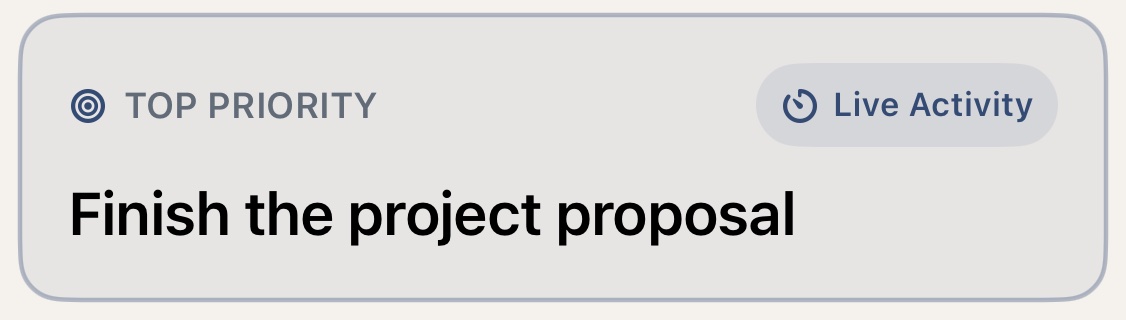
Tap Live Activity on your Top Priority to start.
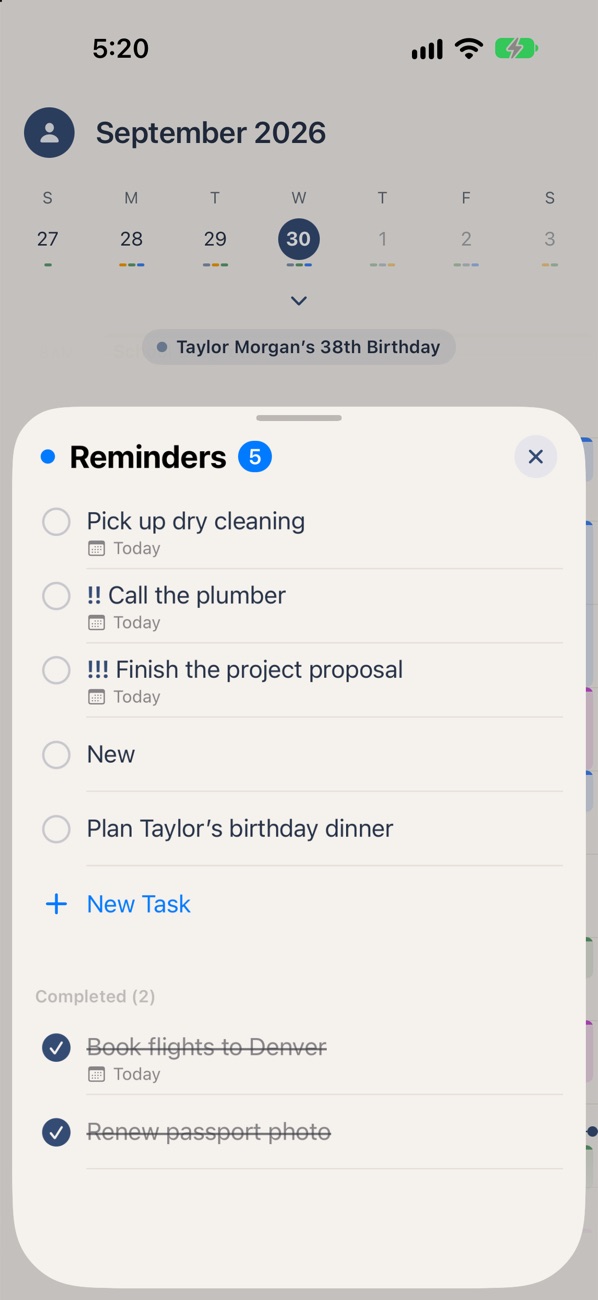
Your to-dos, beside your day.
Built on Apple Reminders, so everything stays in sync. When a task needs a time, drag it onto the timeline.
- Due dates, priorities, places and repeats
- Drag a task onto the timeline to schedule it
- Completed tasks tuck away until you want them
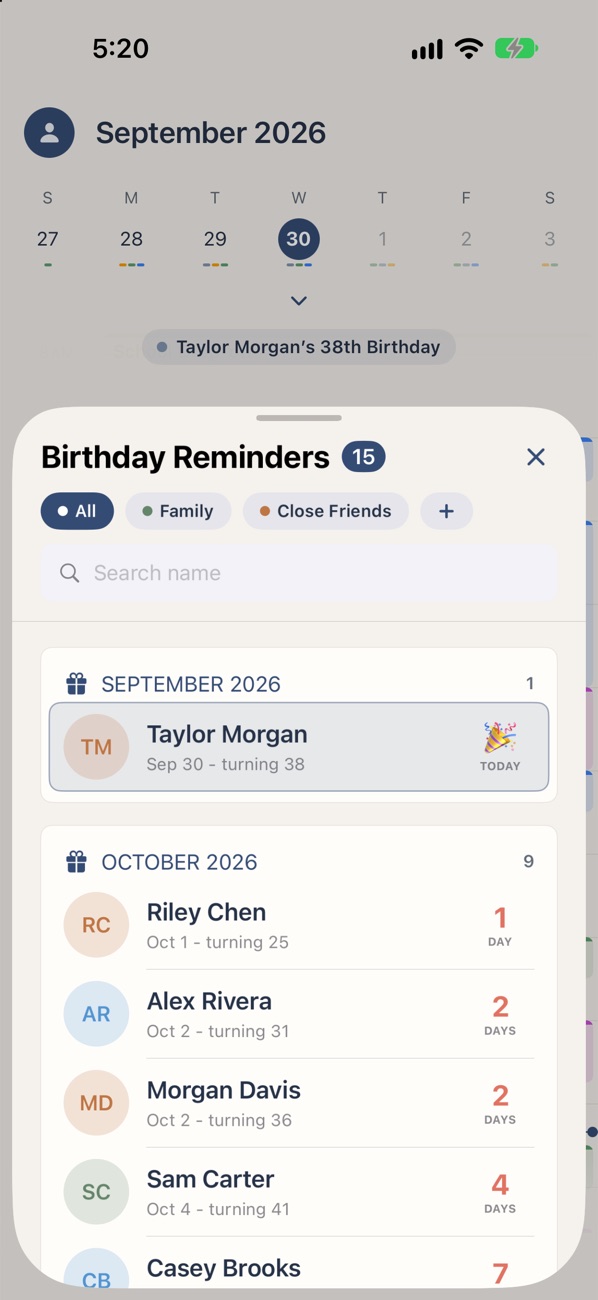
Never miss the ones that matter.
Birthdays come straight from your Contacts, with a reminder ahead of time and the words to say when you’re stuck.
- Who’s next, and how old they’re turning
- Message ideas from simple to heartfelt
- Groups for family, close friends and coworkers
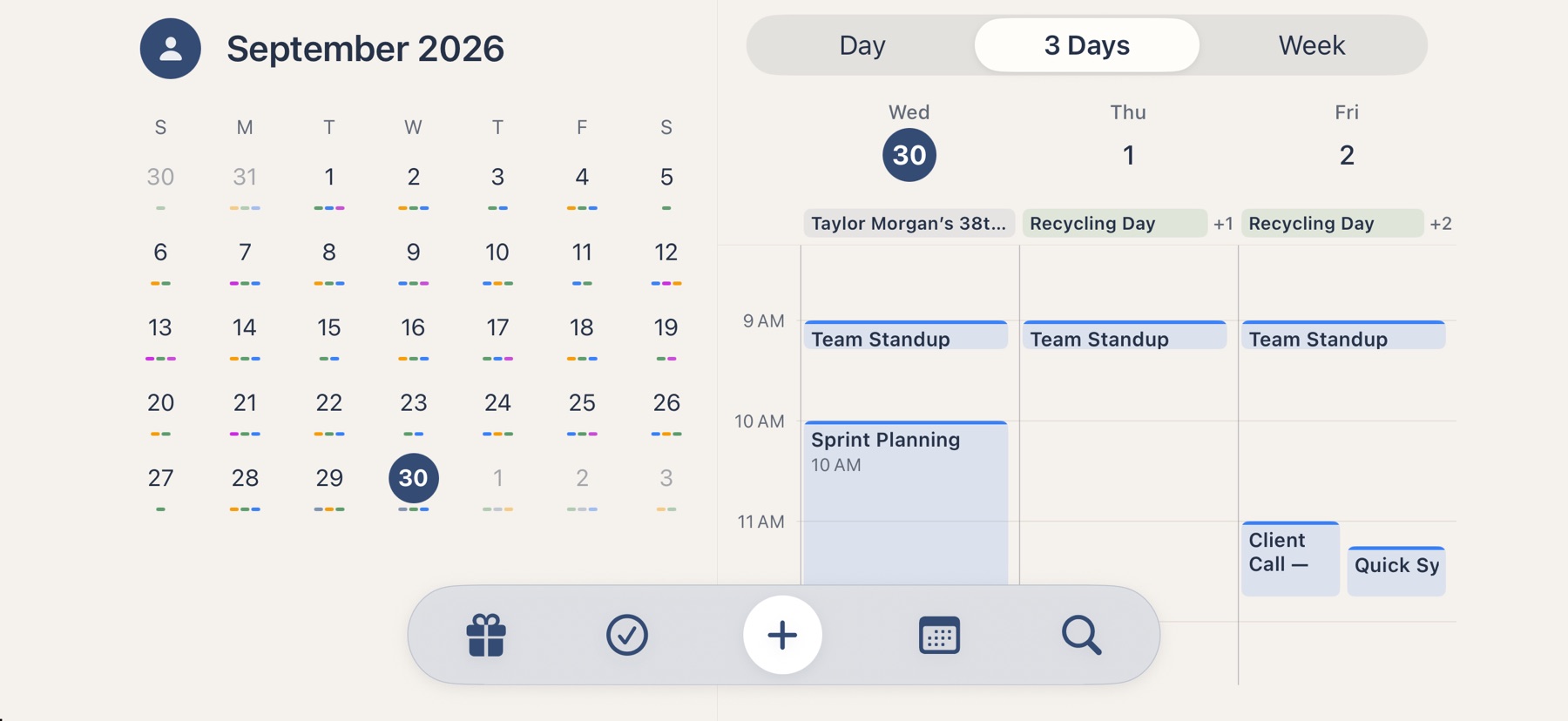
The month and your next three days.
Rotate your iPhone and Overview+ spreads out: the month on one side, a day, three days or the week on the other.
Room to see everything.
On iPad, your timeline sits beside the month, your tasks and the Overview, in landscape or portrait. With keyboard shortcuts for everything and events that open in their own windows.
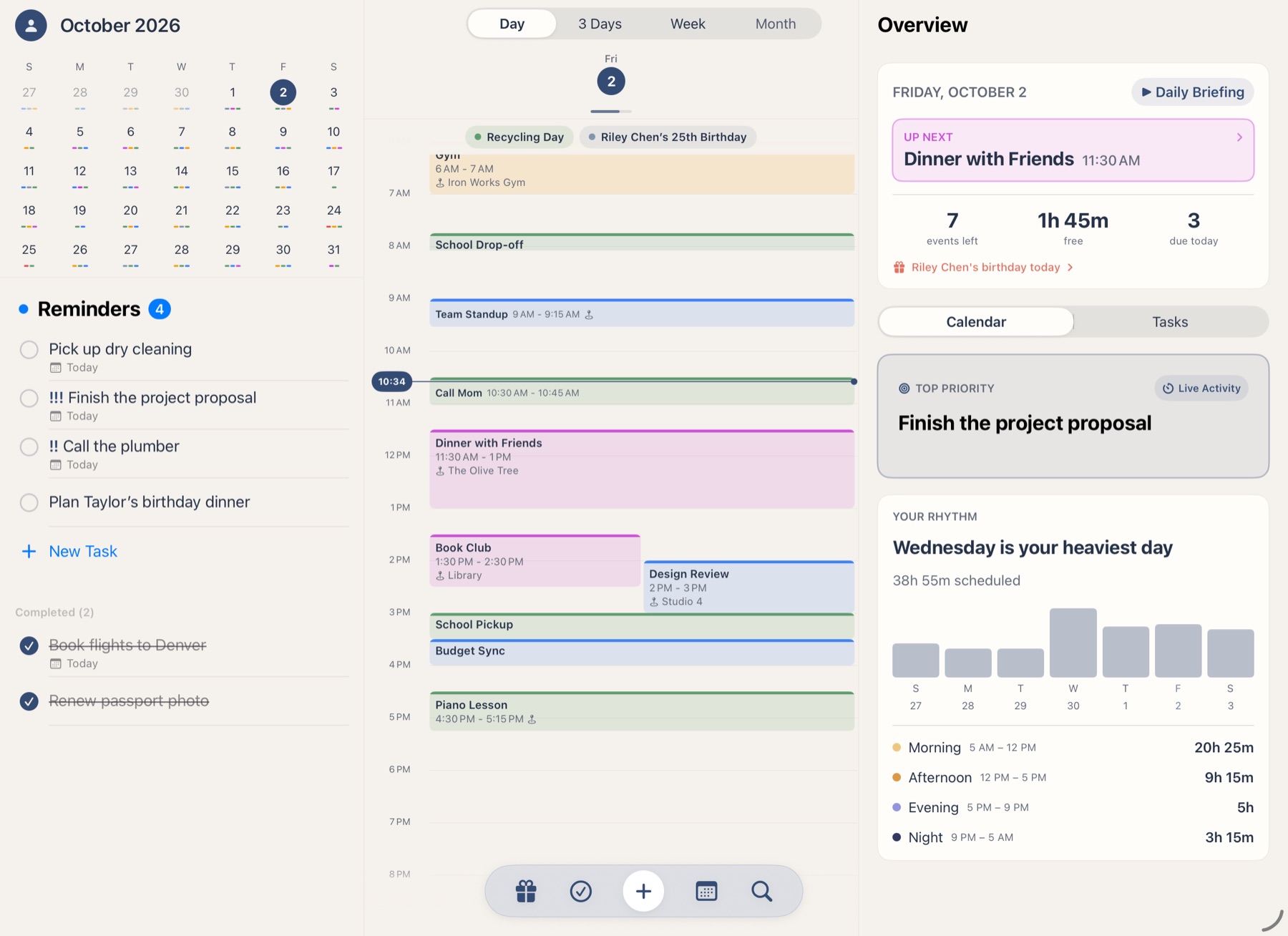
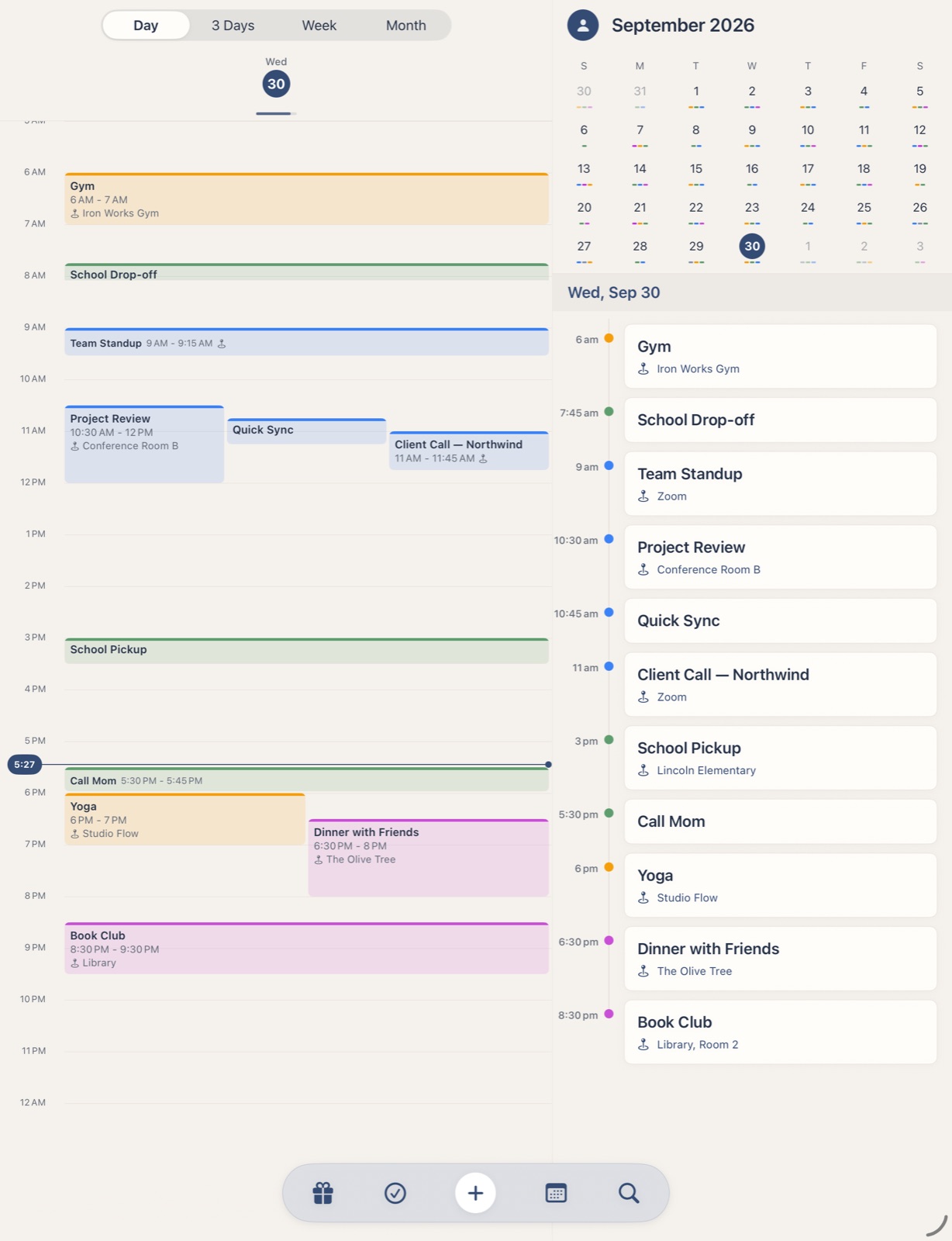
Side by side
The timeline, the month and the day’s agenda, all at once.
Keyboard first
⌘N for a new event, ⌘T for today, arrow keys to move through days.
Multiple windows
Open an event in its own window beside the calendar.
Made with care, down to the details.
Smart locations
Type a friend’s name to use their address, or find places nearby.
Plain-English events
Write “Lunch with Sam Friday at noon” and it fills in the rest.
Search
Find any event, task or birthday in seconds.
Alerts your way
Per-calendar notifications, a daily summary and the badge count you choose.
Your colors
Pick your own background and accent, in light or dark.
Weather
Today’s forecast at the top of your timeline.
Try Overview+ free for 14 days.
Put Overview+ in your Dock and make it part of your day. You’ll have full access to every feature for 14 days.
- No subscription. You won’t be charged automatically.
- One-time purchase. After your trial, unlock Overview+ if you want to keep using it.
No payment required today.
No account. No tracking. No servers. Your schedule stays on your devices, right where it belongs.